

What you need
Connect the account
1
Start the sign-in
Open your agent built on Roark, go to the Tools tab, and in the Calendars card choose Add Calendly. Name the account, leave the time zone on The account’s own to adopt Calendly’s setting, then Sign in with Calendly.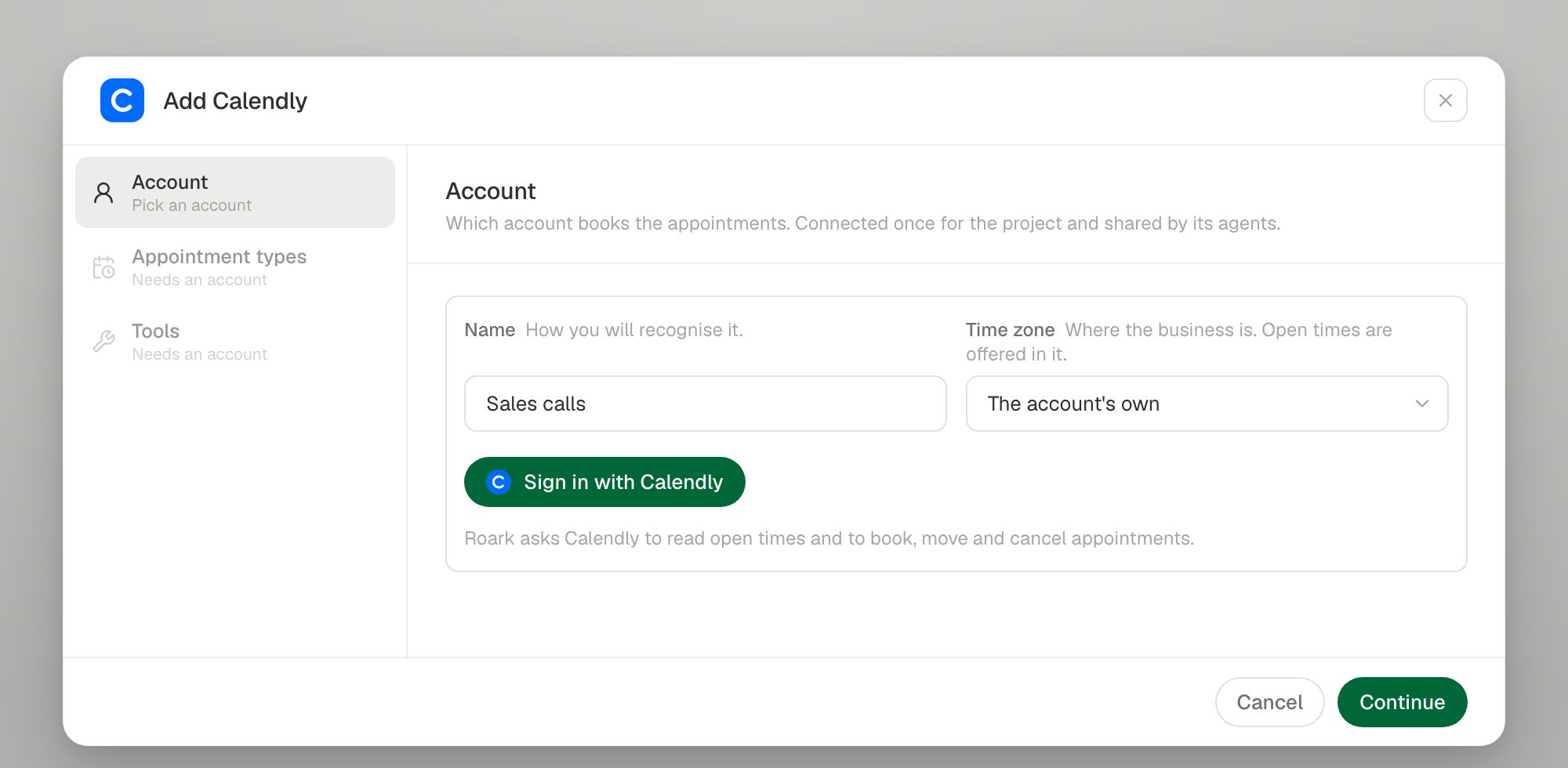
2
Consent
Calendly opens its consent screen in a new window. Nothing is created until you accept: Roark exchanges the code, verifies the credential, reads the account’s own time zone when you did not set one, and stores the connection. A consent link that is not used expires.
3
Pick the event types the agent may book
Each appointment type points at one of the account’s event types, with a line telling the agent when it fits. Event types are read live, so one added in Calendly since you connected is already in the list.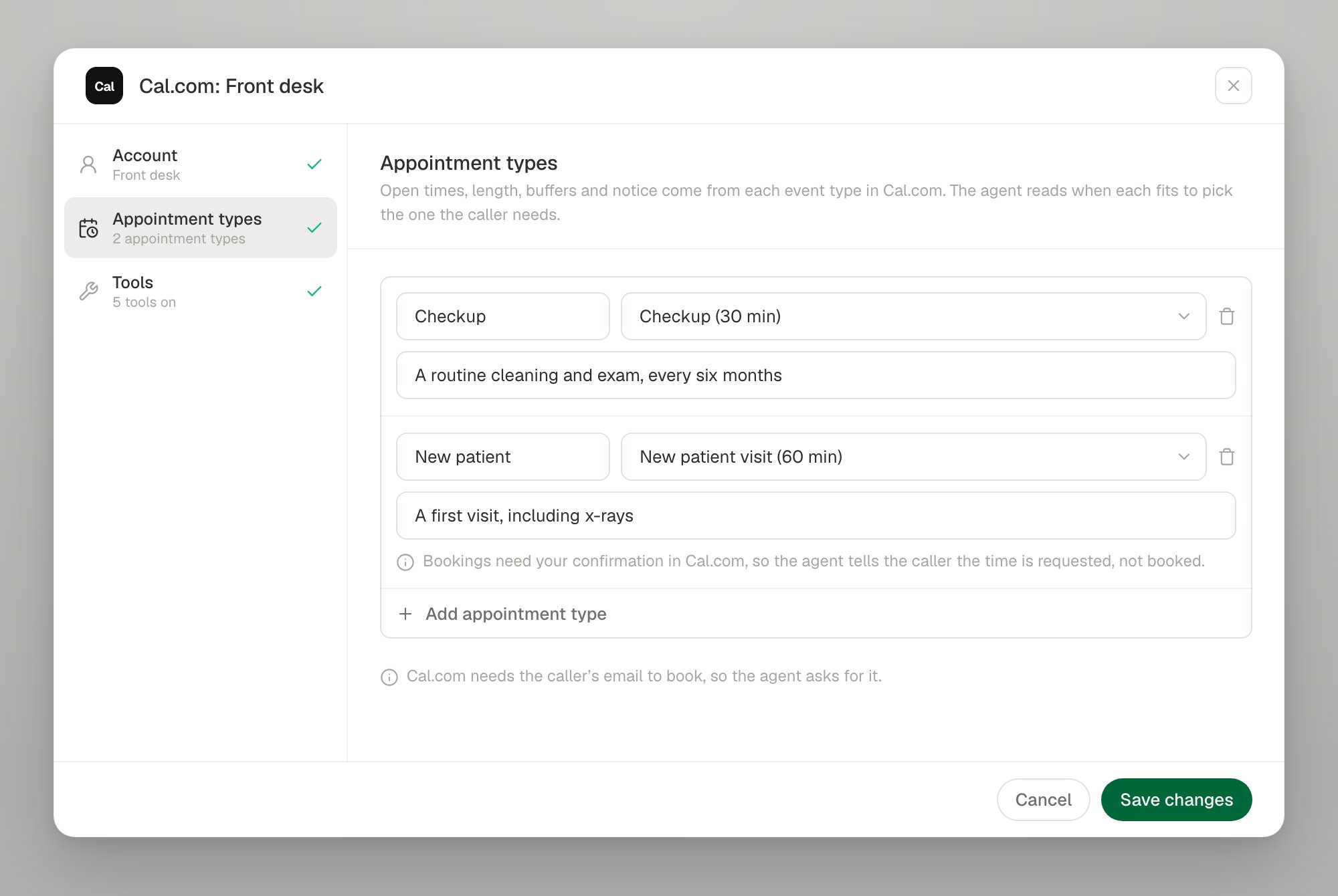
4
Switch on the tools
Five of the six actions are available. Reschedule is greyed out with Calendly has no way to do this. — give the agent cancel and book instead, and say so in its prompt so it does not promise a move it cannot make.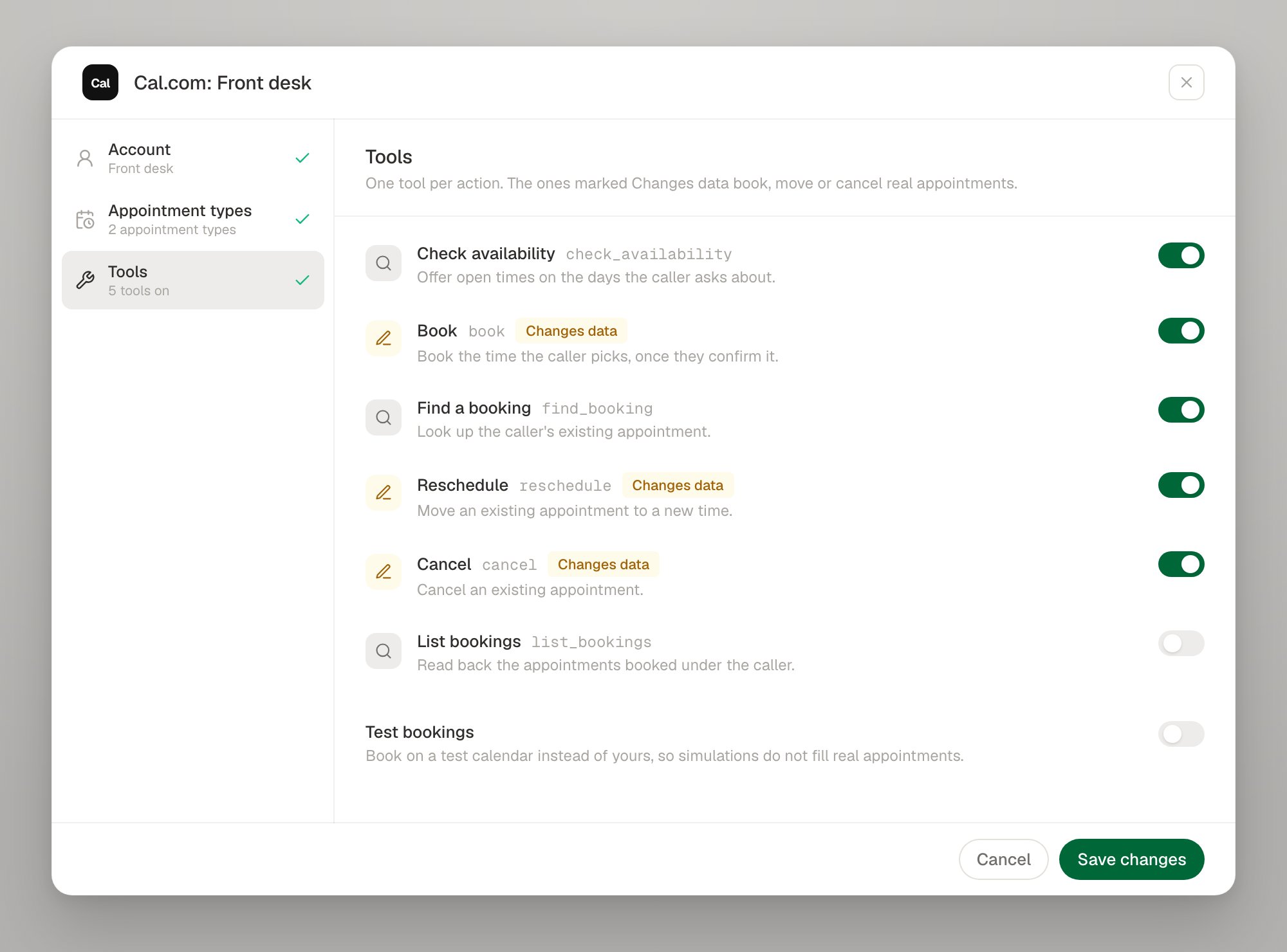
Calendly specifics
No reschedule, and what to do instead
No reschedule, and what to do instead
Calendly offers only a browser
reschedule_url it emails the invitee — there is no API a tool could call. Roark never registers the tool, so the agent cannot reach for something that does not exist. Tell the agent in its prompt to cancel the existing appointment and book the new time, and it will read the new reference back.Event types are named by URI
Event types are named by URI
Calendly names everything by absolute URL, so an appointment type points at an event type URI such as
https://api.calendly.com/event_types/AAAAAAAAAAAAAAAA. In config, that is the eventTypeUri field. Only a Calendly host is accepted.Availability is read 31 days at a time
Availability is read 31 days at a time
Calendly refuses an availability query wider than 31 days. A caller asking about a longer range is answered from several queries; you do not have to do anything.
The caller's email is required
The caller's email is required
Calendly needs an invitee email to book, so the agent asks the caller for one and the setup dialog says so while you configure the appointment types.
Event types with several durations
Event types with several durations
Calendly lets the invitee choose the length at the moment a slot is taken, and the slot
check_availability offered has already settled it — so there is no duration to pin on the appointment type.No slot holds
No slot holds
Calendly cannot hold a time while the caller thinks about it. A slot that goes between being offered and being booked comes back as
SLOT_TAKEN, with fresh times for the agent to offer.Cancellation reason
Cancellation reason
A caller who gives no reason is recorded as Cancelled by the caller, which is what shows in Calendly and in the cancellation email the invitee receives.
Signing in again, and disconnecting
Calendly rotates its refresh token, and a grant can be revoked from the Calendly account. A connection that stops working reportsINVALID_CREDENTIALS, and the account row offers Sign in again, which replaces the credential in place so every tool bound to the connection keeps working.
Troubleshooting
Next steps
Calendars overview
The six tools, slot ids, test bookings and limits
Tools as code
Declare a Calendly tool in your config
Cal.com
A scheduling system that can reschedule
Test tool calls
Exercise booking paths in simulations